Solidipes plugins
Finding plugins
Solidipes relies on plugins to extend its support for various data formats and types of curation reports. A list of official plugins created by the Solidipes developers can be found on GitLab. All the plugins, including those created by the community, are also listed on PyPI. By default, only the core plugin is installed, providing support for the most common file types and essential curation reports.
Plugin management
To install, update, or remove a plugin, you can use the pip command in the terminal.
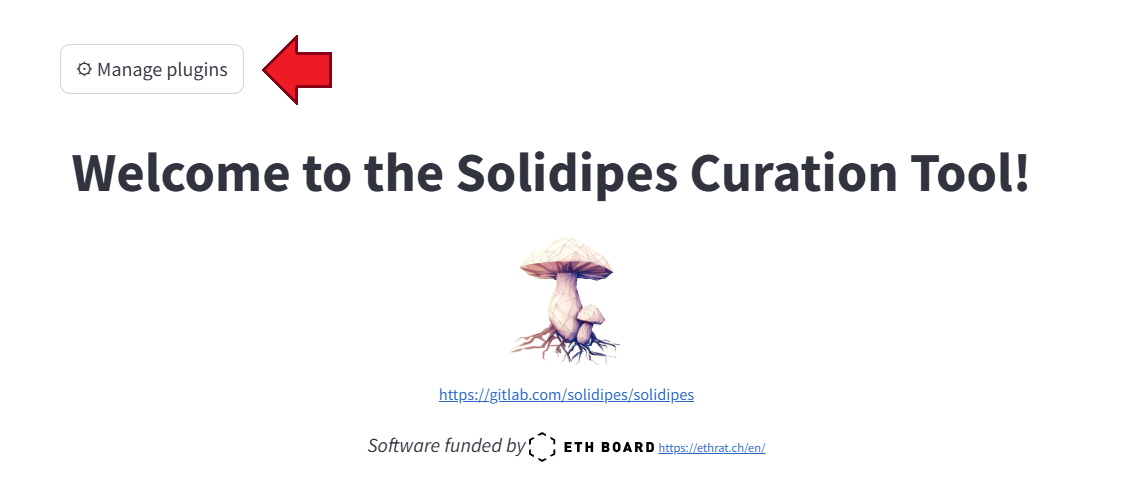
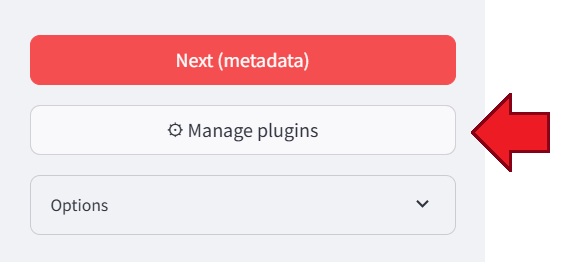
Alternatively, you can manage plugins directly from the Solidipes web interface by clicking the “Manage plugins” button, located at the top left of the welcome screen, or in the sidebar.
Plugin development
If you don’t find a plugin that meets your needs, you can create your own plugin. Head over to the developer guide section to learn how to create your own plugin.