Downloading a dataset from Zenodo
This example shows how to download a dataset from Zenodo Sandbox (https://sandbox.zenodo.org), which is a test environment. You can also use the main Zenodo platform (https://zenodo.org) to download a published dataset.
Identify the dataset you would like to work with: You can use the following small example dataset: https://sandbox.zenodo.org/records/450314
2. Copy DOI or webpath: In our example the DOI: 10.5072/zenodo.450314 The webpath: https://sandbox.zenodo.org/records/450314
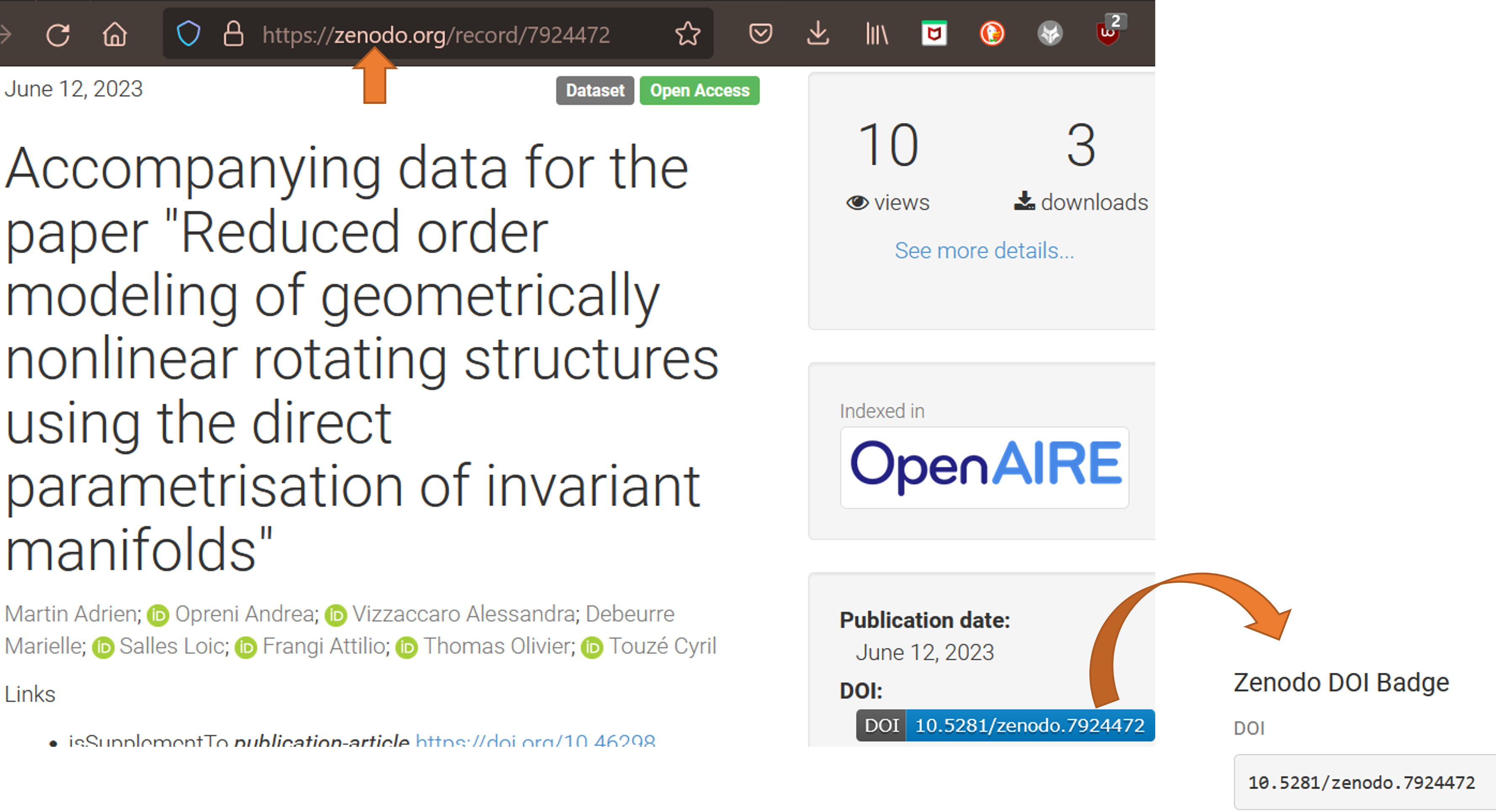
Download: Choose how to download the dataset.
Recommended: Download using Solidipes:
- Go to the directory where you wish to download the dataset, or specify the destination path.
In your terminal, use the following command:
solidipes download zenodo 10.5072/zenodo.450314
or:
solidipes download zenodo https://sandbox.zenodo.org/records/450314
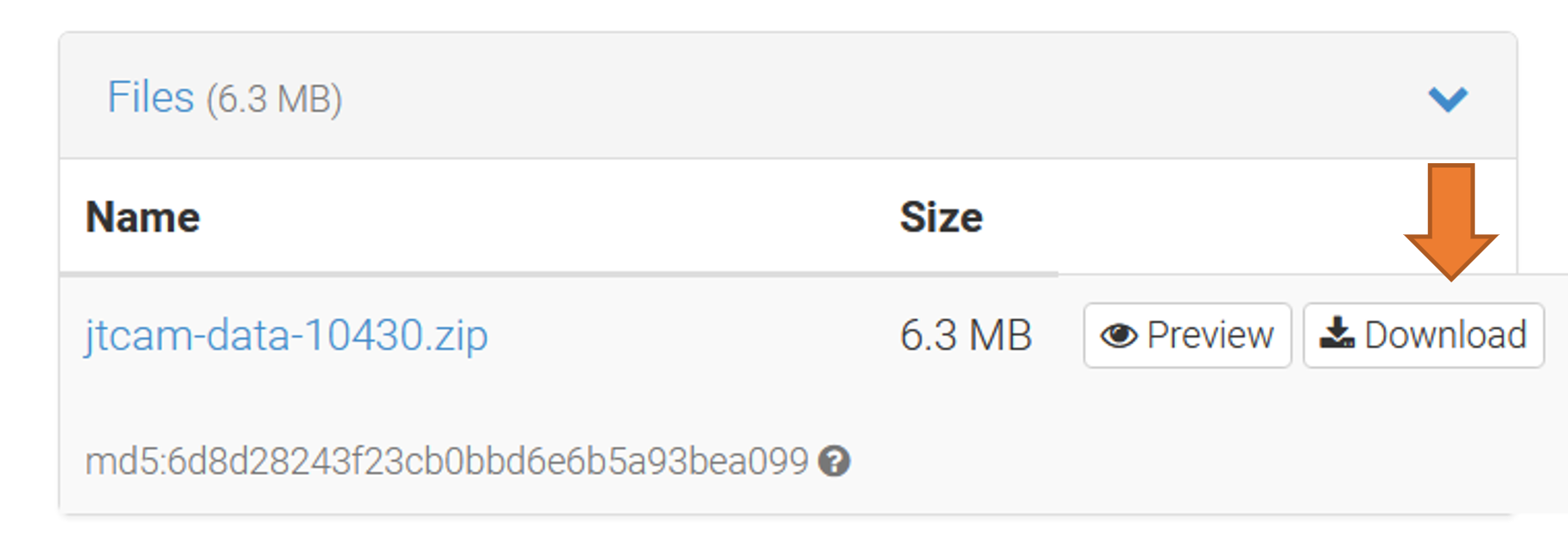
- Alternative: Download directly from Zenodo:
Go to the Zenodo page, scroll down, and download the dataset directly from Zenodo. Move the dataset from your downloads folder into your desired directory.
4. Initialize the project if needed
If the dataset does not already contain a .solidipes/ directory, initialize a project at the root:
solidipes init