Downloading a dataset from Zenodo
This example shows how to download a dataset from Zenodo Sanbox (https://sandbox.zenodo.org) as it is a test environment. You can however download directly from Zenodo (https://zenodo.org) if you wish to download a published study.
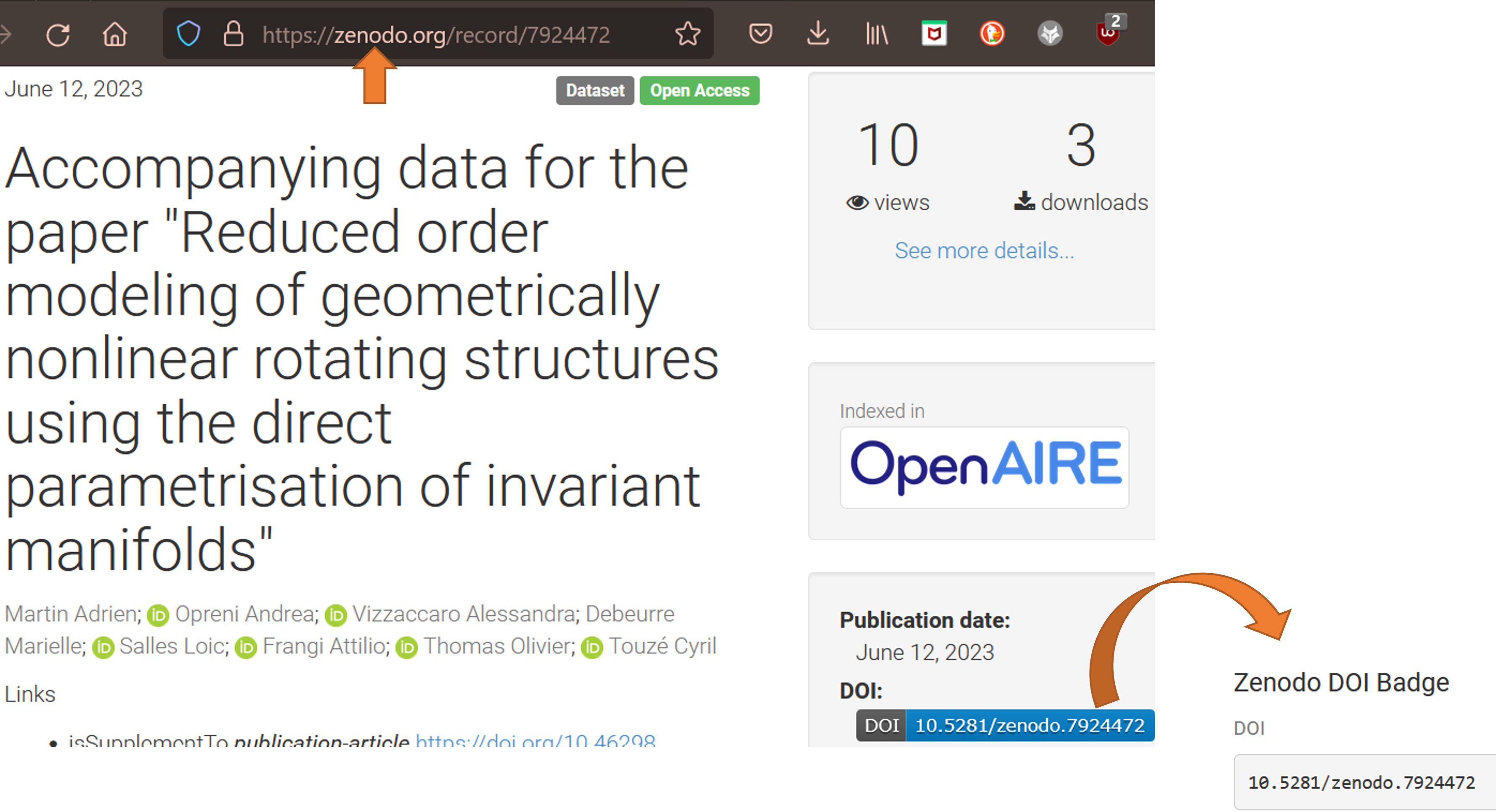
Find the dataset you would like to download: In this example we want to download the following study: https://sandbox.zenodo.org/record/1240226, as this dataset is quite small.
2. Copy DOI or webpath: In our example the DOI: 10.5072/zenodo.1240226 The webpath: https://sandbox.zenodo.org/record/1240226
Extract: Extract at the location of your choice.
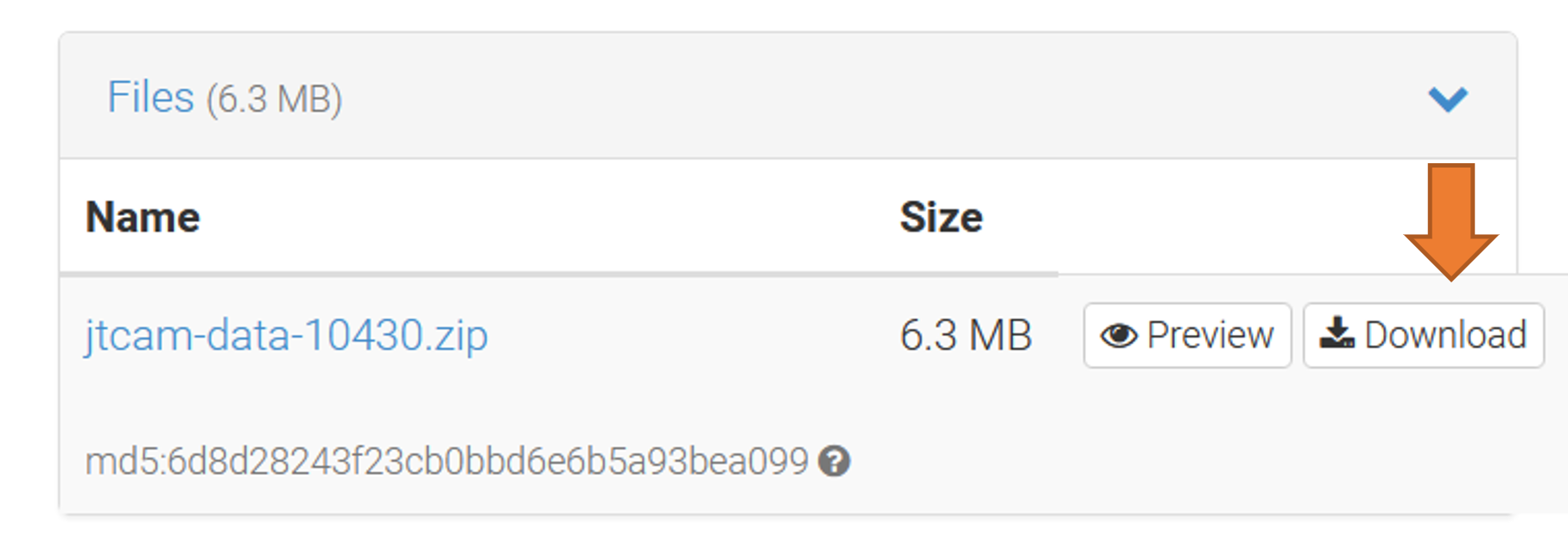
- Downloading the dataset directly from Zenodo:
You can scroll down and download the dataset directly from Zenodo
- Downloading the dataset using Solidipes:
Go to the directory where you wish to download the dataset or specify the path to the destination folder. In your commande line interface use the following command:
solidipes download zenodo 10.5072/zenodo.1240226
or:
solidipes download zenodo https://sandbox.zenodo.org/record/1240226
4. Initialize the project
If the downloaded study has not been published with solidipes (.solidipes directory already present), you can run solidipes init at the root.